

Thermostats & Temperature ControllersCode 0c9a649c83
XH-W3005 Digital Humidity Controller
• Product Name: Microcomputer Humidity Control Instrument • Product model: XH-W3005 • Supply voltage: 220v or 12v • Control range: 0%-99%RH • Control…
- Delivery in 2 to 4 working daysFree in Islamabad & Rawalpindi above Rs 5,000
- Cash on deliveryPay when your parcel arrives
- 7-day checking warrantyDead-on-arrival items replaced
- Packed with careAnti-static & padded packaging
Highlights
- High accuracy and wide humidity measuring.
- Stable performance supports long-time use.
- With a large and clear display for better readability.
- Mini size, convenient to carry.
- After trepanning, it can be installed or embedded on various equipment and is convenient as well as practical.
- Connect to the Power supply, display Instructions on humidity
- 1 x Digital Humidity Controller
- 1 x Humidity Sensor
Specifications
- Product Name
- Microcomputer Humidity Control Instrument
- Product model
- XH-W3005
- Supply voltage
- 220v or 12v
- Control range
- 0%-99%RH
- Control accuracy
- 0.1% RH
- Measurement accuracy
- +-2%RH
- Load power
- 1500W
- Output type
- direct output
- Sensor
- chip type
- Appearance size
- 60 x 45 x 31mm
- Restore the factory settings
- press the Up and Down buttons at the same time, will display 888 then will Automatically detect the humidity
- Volts
- 220V, 12V
About this product
This Digital Humidity Controller XH-W3005 Adjustable 220v or 12v 10A Hygrometer Switch Controller can be used to control the humidity in many places, such as farms and other factories. This Hygrometer Controller adopts an industrial-grade chip, and high-precision SHT20 temperature, and humidity sensors, ensuring the products with good reliability, high precision, and interchangeability. Adopt RS485 hardware interface (with the lightning protection design), the protocol layer compatible with standard industrial Modbus RTU protocol. All the delicate and sensitive components are kept safe in ABS flame retardant housing which is avirulent and environmentally protective.
•Set start the humidity: Press the UP button display to start the humidity, long-press about 3s the start the humidity flashing, then press the Up or Down adjust the set
•Set to stop the humidity : Press the Down button display Stop the humidity, long-press about 3s the Stop the humidity flashing, then press the Up or Down adjust the set
Related searches
You may also need
More Sensors →
-23%
Thermostats & Temperature Controllers
175°c Normally Closed Thermostat Thermal Temperature KSD301 Switch NcRs 230Rs 300-23%

Thermostats & Temperature Controllers
220V PTC 270C Heating Element Heater Thermostat Heater PlateRs 550
-29%
Thermostats & Temperature Controllers
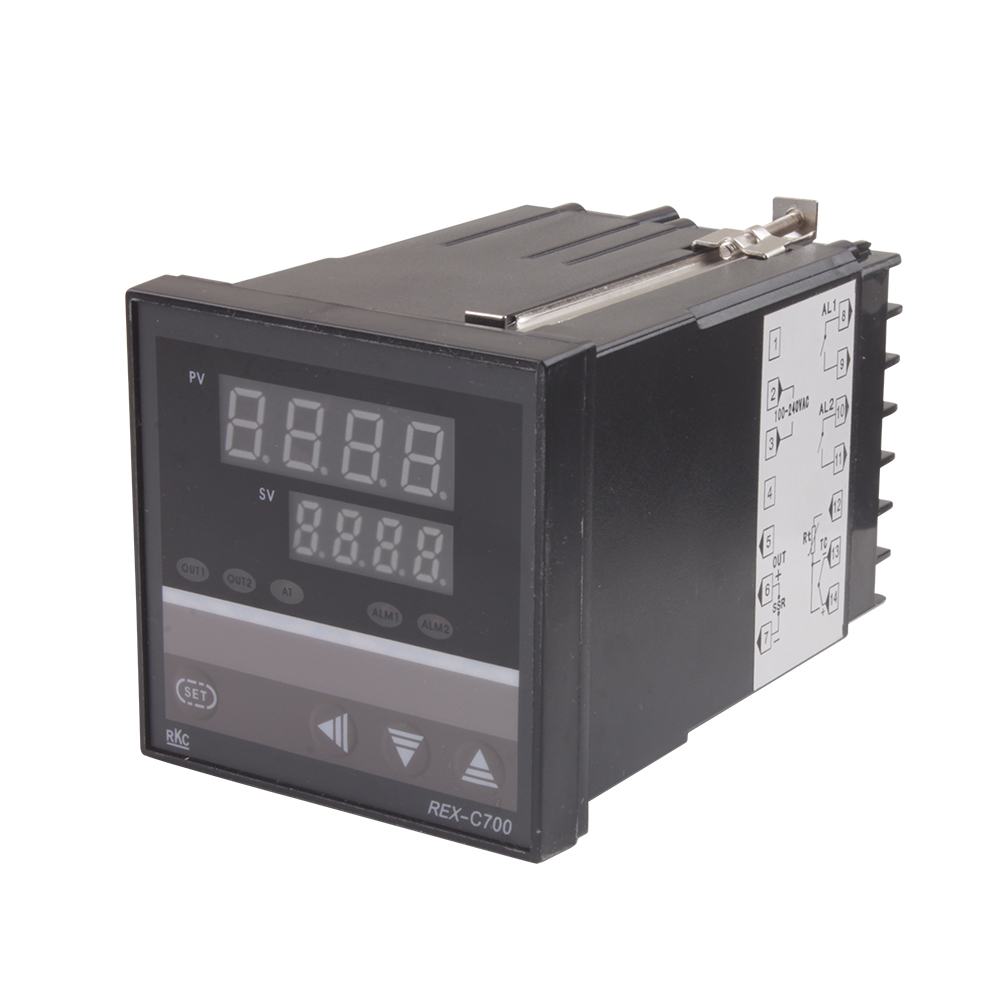
AC 220V Temperature Controller RKC REX-C700Rs 2,499Rs 3,500-29%

-25%

Thermostats & Temperature Controllers
Clear Acrylic Case Shell Kit For Xh W1209 Digital Temperature Control ModuleRs 160

Thermostats & Temperature Controllers
Digital Humidity Controller XH-W3005 Adjustable 220V 10A Hygrometer Switch ControllerRs 1,820
Thermostats & Temperature Controllers
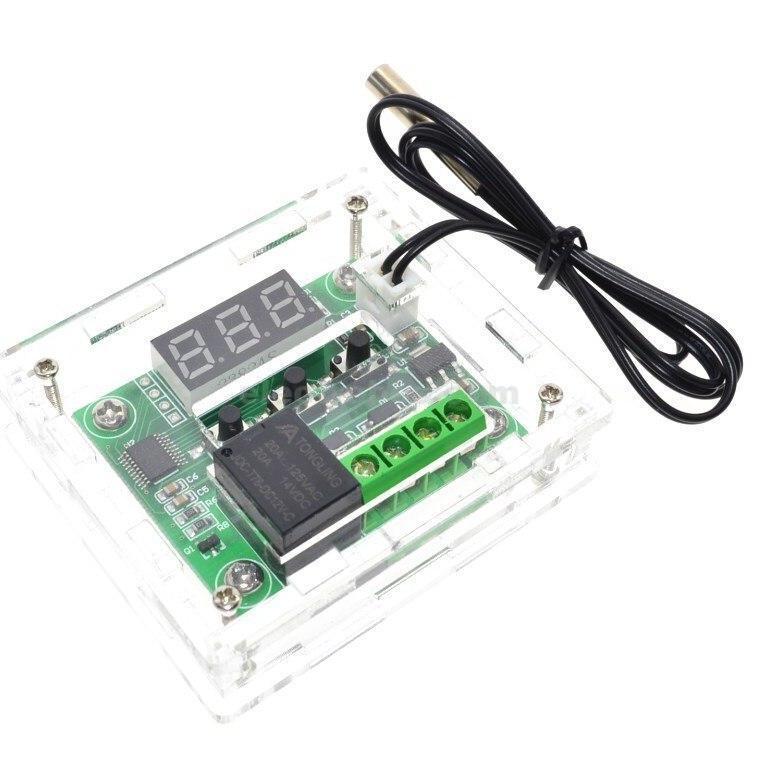
Enclosure Box Transparent Acrylic Case for W1209 Thermostat ControllerRs 150

-23%
Thermostats & Temperature Controllers
KSD301 190°c Normally Closed Thermostat Thermal Temperature Switch NcRs 230Rs 300-23%

-4%
Thermostats & Temperature Controllers
KSD301 Thermostat 40°c/104°f 10A Normally Open N.o Adjust Snap Disc Temperature SwitchRs 230Rs 240-4%