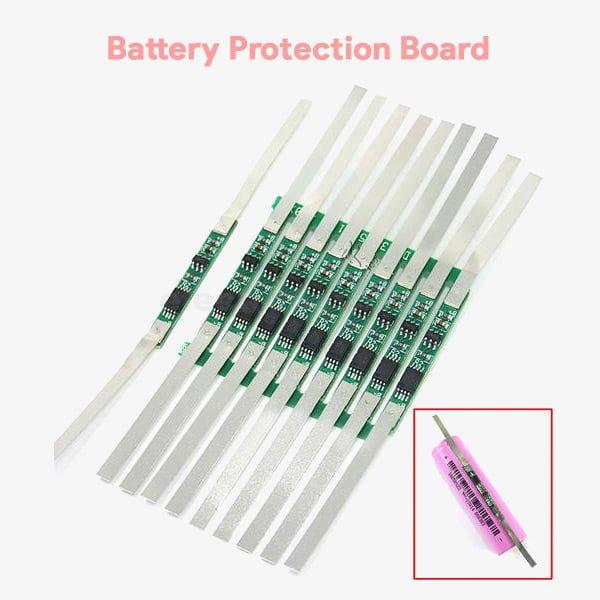
BMS & Charging Modules
1 Meter 18650 Nickel Strip Belt Tape Li-ion Battery Connector Spcc Spot Welding BMS Parts 0.12mm 5mmRs 70
Cash on Delivery all over Pakistan · Free delivery in Islamabad & Rawalpindi above Rs 5,000
Order on WhatsApp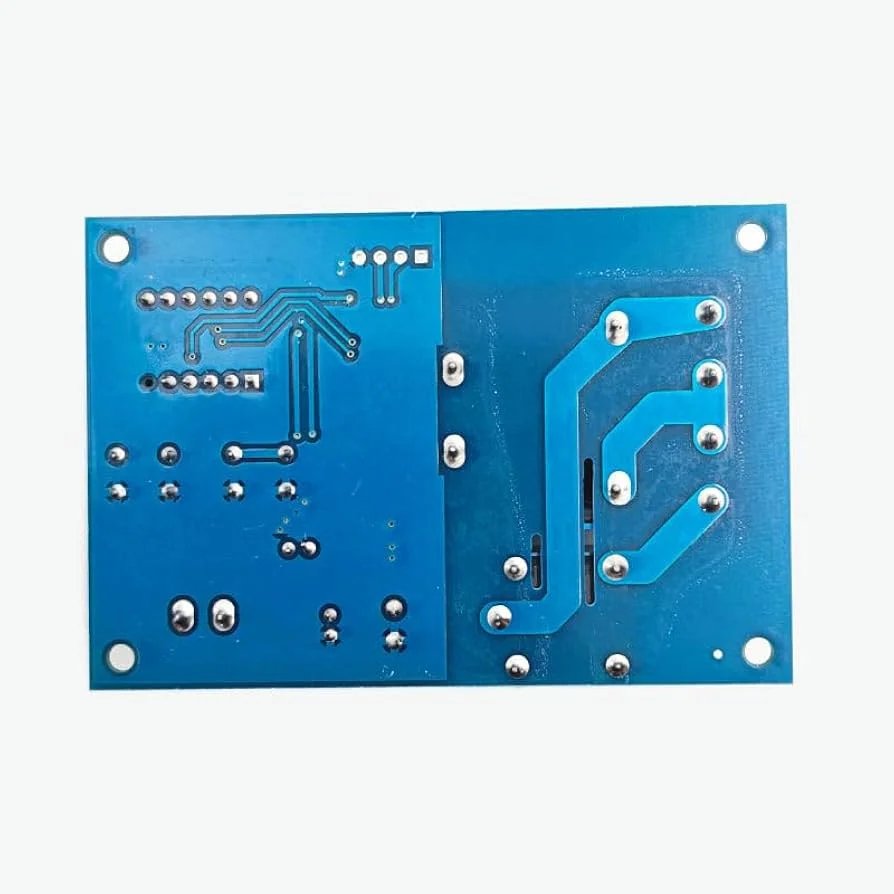
XH-M633 Battery Charge Control Module DC 3.7-120V Lithium Battery Charging Control Switch Protection Board
This XH-M633 Digital Battery Charging Control Module is used to charge batteries. The module has an input terminal for the 220V AC and an output terminal connected through an onboard relay. The module has a high-quality plastic transformer and a bright seven-segment three-digit display. The module can actively monitor the battery voltage through the Vin terminal and disable the 220V output connected to the battery charger when the battery is fully charged.
•According to the set value to start and stop, the board can disconnect input to the battery charger effectively protecting the battery from damage due to loss of power or overcharge.
•Set the charging initiation voltage: Under the normal voltage display status, press the “Start” button, the module will display the charging initiation voltage, long press this button about 3s, the LED flash, then press the “Start” and “Stop” button to set the values.
•Set the charging stop voltage: Under the normal voltage display status, press the “Stop” button, the module will display the charging stop voltage, long press this button about 3s, the LED flash, then press the “Start” and “Stop” button to set the values.
•Reset: under the normal display status, press the “Start” and “Stop” button at the same time the LED will display”888″, then release and finish.(the default charging…