

Thermostats & Temperature ControllersCode d2971d00f0
W3230 Temperature Controller
Temperature measurement and programming range: -50 ° С … 120 ° С
- Delivery in 2 to 4 working daysFree in Islamabad & Rawalpindi above Rs 5,000
- Cash on deliveryPay when your parcel arrives
- 7-day checking warrantyDead-on-arrival items replaced
- Packed with careAnti-static & padded packaging
Highlights
- For indoor use.
- Connect a 110-220 VAC power supply to the VCC and GND pins.
- Setting and adjusting the set temperature
- Programming
- 1 x W3230 Mini Digital Temperature Controller
Specifications
- Parameter code
- Parameter description
- P0
- Thermostat operating mode: Cooling / Heating
- Р1
- Hysteresis ° С
- P2
- The upper limit of the maintained temperature setting ° С
- P3
- The lower limit for setting the maintained temperature ° С
- P4
- Temperature correction ° С
- P6
- Upper limit of shutdown temperature (overheating protection) ° С
- P7
- Locking settings
- P8
- Restoring factory settings
- Overall dimensions
- 79X43X26mm (hole size 74X39mm)
- Measurement accuracy
- 0.1 ° С in the range from -9.9 ° С to 99.9 ° С; or 1.0 ° C outside this range
- Control accuracy
- 0.1 ° С 0.1 ° С in the range from -9.9 ° С to 99.9 ° С; or 1.0 ° C outside this range
- Reading update time
- 0.5 seconds
- Volts
- 220V, 12V
About this product
•Current consumption during relay operation: 65 mA
•Load connection method: electromagnetic single-channel relay (10A / 220VAC) (for heavy loads use a contactor or solid-state relay of a higher power).
W3230 Mini Digital Temperature Controller LED Display Thermostat Regulator AC110V-220V OR DC 12V 20A
W3230 Mini Digital Temperature Controller LED Display Thermostat Regulator AC110V-220V 20A is designed to control temperatures in the range from -50 ° C to + 120 ° C. It can be paired with a heater or cooler. The programmable thermostat is equipped with two three-digit LED displays an LED indicator for switching on the relay three control buttons + a power button connected to an external temperature sensor terminal “”K0 / K1″” for connecting the load and “”VCC / GND”” for powering the Thermo controller module (110-220V AC). The current measured temperature is shown on the LED display.
•Connect the load control through the contacts “S0” and “S1” (connected to the open circuit of the controlled device power supply (serial connection))
•After energizing the contacts “”VCC”” and “”GND”” the LED display will show the current temperature measured by the external temperature sensor.
•To set the control temperature shortly press the “”SET”” button then use the “”+”” or “”-“” buttons to set the preset temperature and press the “”SET”” button again or do not press any buttons for 5 seconds.
•To enter the programming mode hold down the “”SET”” button for 5 seconds then use the “”+”” or “”-“” buttons to select the menu parameter code (P0 … P) from the…
Related searches
You may also need
More Sensors →
-23%
Thermostats & Temperature Controllers
175°c Normally Closed Thermostat Thermal Temperature KSD301 Switch NcRs 230Rs 300-23%

Thermostats & Temperature Controllers
220V PTC 270C Heating Element Heater Thermostat Heater PlateRs 550
-29%
Thermostats & Temperature Controllers
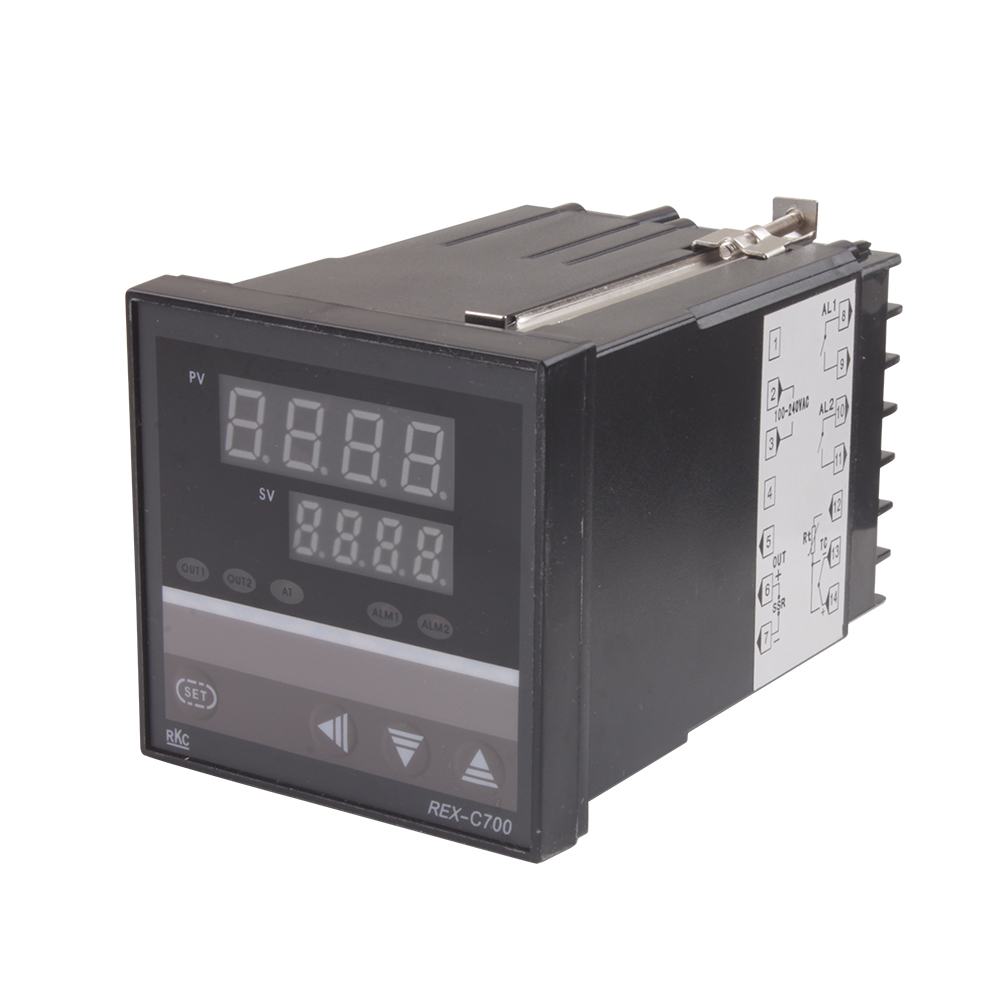
AC 220V Temperature Controller RKC REX-C700Rs 2,499Rs 3,500-29%

-25%

Thermostats & Temperature Controllers
Clear Acrylic Case Shell Kit For Xh W1209 Digital Temperature Control ModuleRs 160

Thermostats & Temperature Controllers
Digital Humidity Controller XH-W3005 Adjustable 220V 10A Hygrometer Switch ControllerRs 1,820
Thermostats & Temperature Controllers
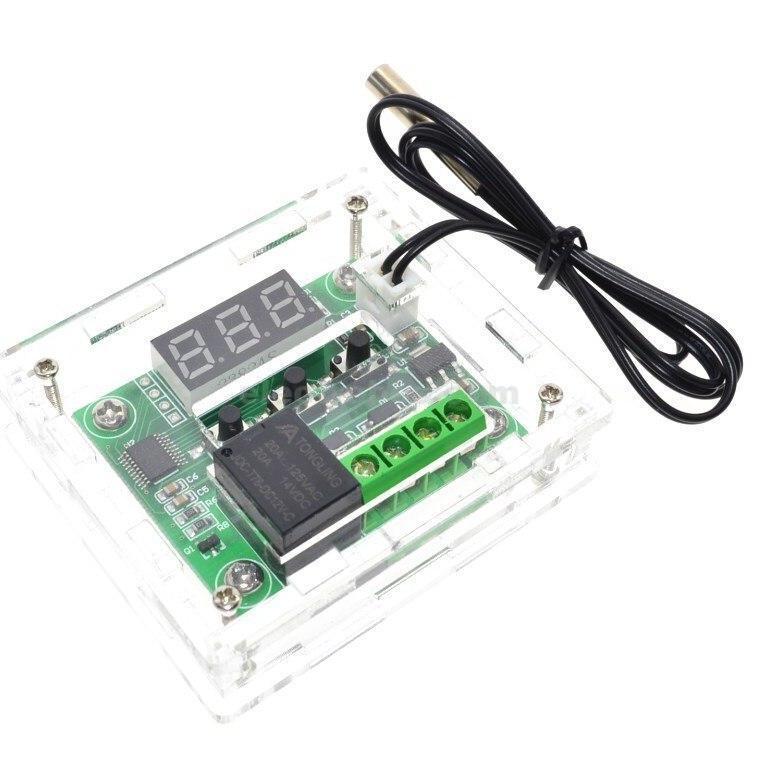
Enclosure Box Transparent Acrylic Case for W1209 Thermostat ControllerRs 150

-23%
Thermostats & Temperature Controllers
KSD301 190°c Normally Closed Thermostat Thermal Temperature Switch NcRs 230Rs 300-23%

-4%
Thermostats & Temperature Controllers
KSD301 Thermostat 40°c/104°f 10A Normally Open N.o Adjust Snap Disc Temperature SwitchRs 230Rs 240-4%