

Character & Graphic LCDCode aa746cc7aa
LCD2004 Blue/green Parallel LCD Display With Iic/i2c Interface
If you want to add some visual output to your Arduino projects, you’ll need a display.
- Delivery in 2 to 4 working daysFree in Islamabad & Rawalpindi above Rs 5,000
- Cash on deliveryPay when your parcel arrives
- 7-day checking warrantyDead-on-arrival items replaced
- Packed with careAnti-static & padded packaging
Highlights
- 1 x LCD2004 Blue/green Parallel LCD Display with IIC/I2C interface
Specifications
- Model
- LCD2004
- Characters
- 20
- Interface Type
- I2C
- I2C Address
- 0x27
- Character Color
- White
- Backlight
- Blue/green
- Input Voltage (V)
- 5
- Length (mm)
- 60
- Width (mm)
- 98
- Height (mm)
- 14
- Weight (gm)
- 76
About this product
If you want to add some visual output to your Arduino projects, you’ll need a display. If you need only little to display, the LCD2004 Parallel LCD Display with IIC/I2C interface is a quite good solution.
This is an LCD2004 Parallel LCD Display that provides a simple and cost-effective solution for adding a 20×4 White on RGB Liquid Crystal Display into your project. The display is 20 character by 4 line display has a very clear and high contrast white text upon a blue/green background/backlight.
This is a great blue/green backlight LCD display. It is fantastic for Arduino based project. This LCD2004 Parallel LCD Display with Blue/green Backlight is very easy to interface with Arduino or Other Microcontrollers.
This display overcomes the drawback of LCD2004 Parallel LCD Display in which you’ll waste about 8 Pins on your Arduino for the display to get working. Luckily in this product, an I2C adapter is directly soldered right onto the pins of the display. So all you need to connect are the I2C pins, which shows a good library and little of coding.
The I2C is a type of serial bus developed by Philips, which uses two bidirectional lines, called SDA (Serial Data Line) and SCL (Serial Clock Line). Both must be connected via pulled-up resistors. The usage voltages are standard as 5V and 3.3V.
If you already have the I2C adapter soldered onto the board like in this product, the wiring is quite easy. You should usually have only four pins to hook up. VCC and GND of course. The LCD display works with 5 Volts. So we go for the 5V Pin.
The values shown on the display can be either a simple text or numerical values read by the sensors, such as temperature or pressure, or even the number of cycles that the Arduino is performing.
Specification Of LCD2004 Blue/green Parallel LCD…
Related searches
You may also need
More Displays →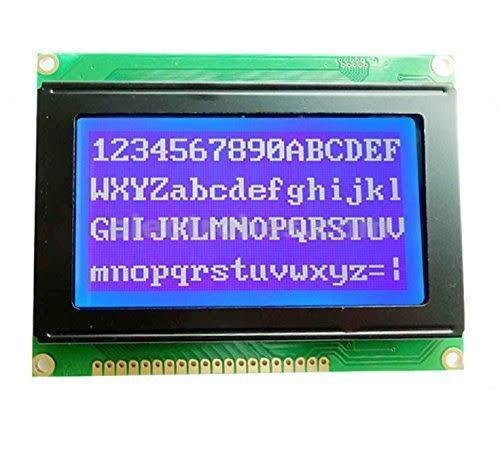
Character & Graphic LCD
12864 128X64 ST7960 Dots Graphic LCD Display Module (Blue Color Backlight)Rs 1,800


Character & Graphic LCD
16x4 Character LCD 1604 Green LCD Display Module FDCC1604 Series For Arduino Raspberry PiRs 860

Character & Graphic LCD
19264 LCD 92*64 Electronic Display Components Graphics Modules LCD Display Monitors LCD ModulesRs 6,560

-46%


Character & Graphic LCD
5 Blades Mechanic FR1 High Toughness Carbon Steel Sharp Blade Set For Remove LCD Screen Frame Oca Glue RemoveRs 210

-20%

-19%