Arduino vs ESP32 vs Raspberry Pi: Which Board Should You Buy in Pakistan?
15 November 2026 8 min readBy the PakCircuit team
Almost every electronics project in Pakistan starts with the same question: should I buy an Arduino, an ESP32 or a Raspberry Pi? They look similar on a shop page, but they solve different problems. Pick the wrong one and you either pay for power you never use, or you get stuck halfway through a project because the board cannot do what you need.
This guide explains the difference in plain words, shows which board fits which kind of project, and lists the mistakes we see most often when customers order their first board. Every price below is read from our catalogue when the page is built, so it matches what you pay in the shop.
The short answer
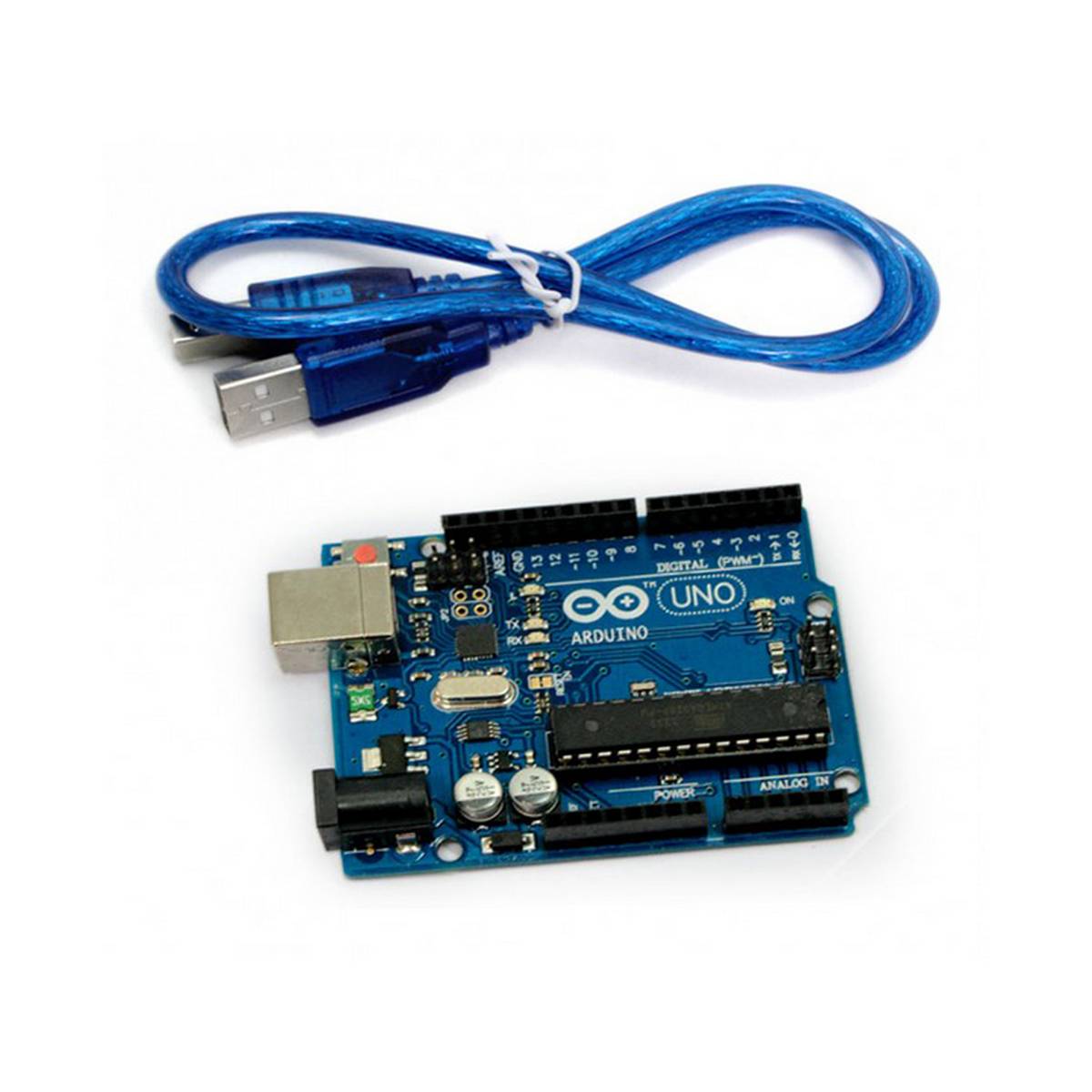
Arduino (Uno or Nano) if you are learning, or your project only reads sensors and drives motors, LEDs or relays without the internet. It is the easiest place to start.
ESP32 if your project needs WiFi or Bluetooth: phone control, home automation, IoT dashboards, sending data to the cloud. It costs about the same as an Arduino and is far more powerful.
Raspberry Pi 4 or 5 if you need a real computer: a camera with face or number-plate recognition, Python and OpenCV, a web server, a database or a media centre.
What each board actually is
Arduino and ESP32 are microcontrollers. They run one program that you upload from your laptop, start in a fraction of a second when powered, and are made for reading sensors and switching things on and off. There is no operating system, no screen and nothing to shut down: you can unplug them at any time.
A Raspberry Pi (4 or 5) is a small computer. It boots Linux from a microSD card, has USB ports, HDMI output and a full desktop if you want one, and runs Python, OpenCV, databases and web servers. It is much more powerful, but it needs a proper power supply, takes time to boot and should be shut down properly. The small Raspberry Pi Pico is the exception: despite the name it is a microcontroller, closer to an Arduino.
| Board | Brain | Wireless | Logic | Price |
|---|---|---|---|---|
| Arduino Uno R3 | ATmega328P, 16 MHz, 32 KB flash, 2 KB RAM | None | 5 V | Rs 839 |
| Arduino Nano V3 | Same chip as the Uno, breadboard-sized | None | 5 V | Rs 660 |
| ESP32 (WROOM-32) | Dual core up to 240 MHz, 520 KB RAM, 4 MB flash | WiFi + Bluetooth | 3.3 V | Rs 1,160 |
| ESP8266 NodeMCU | Single core 80 MHz, 4 MB flash, one analog input | WiFi only | 3.3 V | Rs 699 |
| Raspberry Pi Pico WH | RP2040, dual core 133 MHz, 264 KB RAM | WiFi | 3.3 V | Rs 1,210 |
| Raspberry Pi 5 (4 GB) | Quad core 2.4 GHz, runs Linux | WiFi + Bluetooth | 3.3 V | Rs 68,000 |
Choose Arduino if…
- You are new to electronics. Arduino has the largest collection of tutorials, videos and example code, in English and Urdu.
- Your modules are 5 V parts: most relay boards, the classic 16x2 LCD, ultrasonic sensors and many older modules are designed for 5 V logic, which the Uno and Nano use natively.
- The project works offline: a line-following or obstacle-avoiding robot, a traffic-light model, a digital lock with a keypad, a fire or gas alarm with a buzzer.
The Uno is the easiest to wire with jumper wires; the Nano does the same job, plugs into a breadboard and fits inside small enclosures. For more pins (big robots, 3D-printer style projects), the Arduino Mega 2560 has 54 digital pins.
Choose ESP32 if…
- You want to control something from your phone, over WiFi or Bluetooth.
- You are building IoT: a smart energy meter, a weather station that logs to the cloud, home automation with relays, or anything that shows live readings on a dashboard (Blynk, ThingSpeak, Firebase, MQTT, Home Assistant).
- You need more speed or memory than an Arduino: audio, many sensors at once, or a web page served from the board.
For new projects the ESP32 is usually the better buy than the older ESP8266: two cores, Bluetooth, many more pins and analog inputs, for a small difference in price. Keep the ESP8266 for very simple WiFi switches where every rupee counts. Need a camera? The ESP32-CAM streams video and can do simple face detection; buy it with the ESP32-CAM-MB USB programmer board so you can upload code without extra wiring.
ESP32 gotchas
Its pins work at 3.3 V and are not 5 V tolerant. Feeding a 5 V sensor output straight into an ESP32 pin can damage it; use a logic level converter or a simple resistor divider.
When WiFi is on, the analog pins on ADC2 cannot be read; use the ADC1 pins (GPIO 32 to 39) for analog sensors.
WiFi start-up draws short current spikes. A weak USB cable or a cheap phone charger can cause random resets ("brownout detector was triggered"). Use a good cable and a 5 V 1 A or better supply.
Choose Raspberry Pi if…
- Your project uses a camera for recognition: faces, number plates, objects, attendance systems. Python with OpenCV or TensorFlow Lite runs well on a Pi 4 or Pi 5.
- You need a web server, a database, a media centre, Home Assistant or a network tool that runs all day.
- You want a cheap Linux computer to learn programming, networking or cybersecurity.
Budget for the extras, because a bare board will not start on its own. You need a microSD card (32 GB or more, Class 10 / A1), a proper power supply (the Pi 5 wants a 5 V 5 A USB-C supply such as the official 27 W adapter, the Pi 4 a 5 V 3 A one), a micro-HDMI cable if you use a monitor, and cooling: the Pi 5 throttles under load without its active cooler. A phone charger is the most common cause of the "low voltage" warning and random crashes.
You can also combine them: many final-year projects use a Raspberry Pi for the camera and the logic, with an Arduino or ESP32 handling motors and sensors, talking over USB serial.
Mistakes we see every week
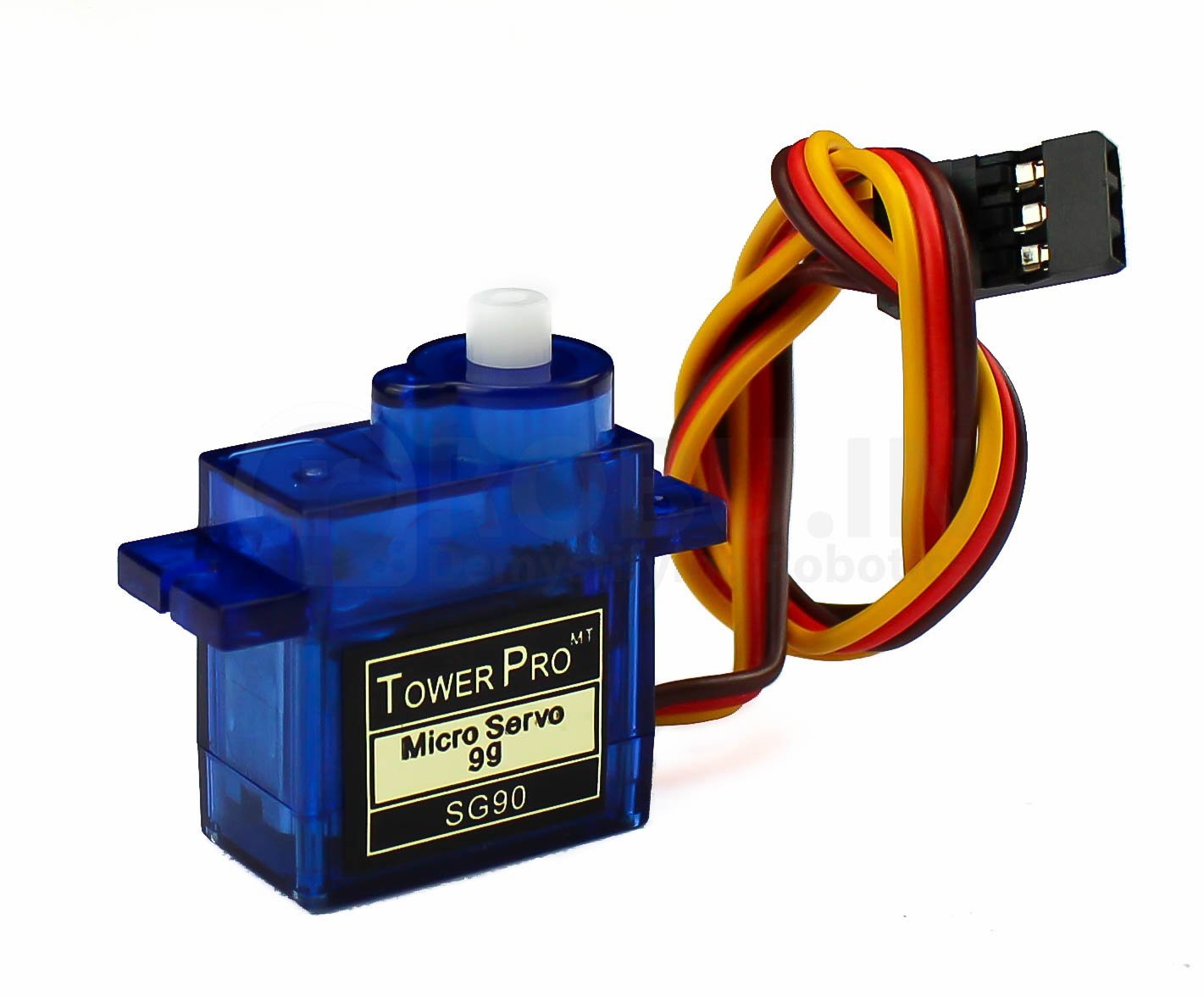
- Powering motors from the board. The 5 V pin cannot drive motors or servos under load. Use a motor driver such as the L298N and a separate supply, with the grounds connected together.
- A charge-only USB cable. Many phone cables carry power but no data, so the board never shows up on the laptop. If the port does not appear, try another cable first.
- Missing USB driver. Most affordable Uno, Nano and NodeMCU boards use a CH340 or CP2102 USB chip. Install its driver once on Windows and the COM port appears.
- Mixing 3.3 V and 5 V parts without a level converter, as explained above.
- Buying a Raspberry Pi for a job a microcontroller does better. If the project only reads sensors and switches relays, an ESP32 is cheaper, starts instantly and survives power cuts.
Good starting combinations




Camera and vision: Raspberry Pi parts


Still not sure?
Send us a short description of your project on WhatsApp (+92 343 0240647) and we will suggest the board and the parts that go with it. You can browse every board in Development Boards. Orders are delivered all over Pakistan with cash on delivery, and delivery is free in Islamabad & Rawalpindi on orders of Rs 5,000 or more.